Australian-first
AUD pricing, Australian date formats and local business language.
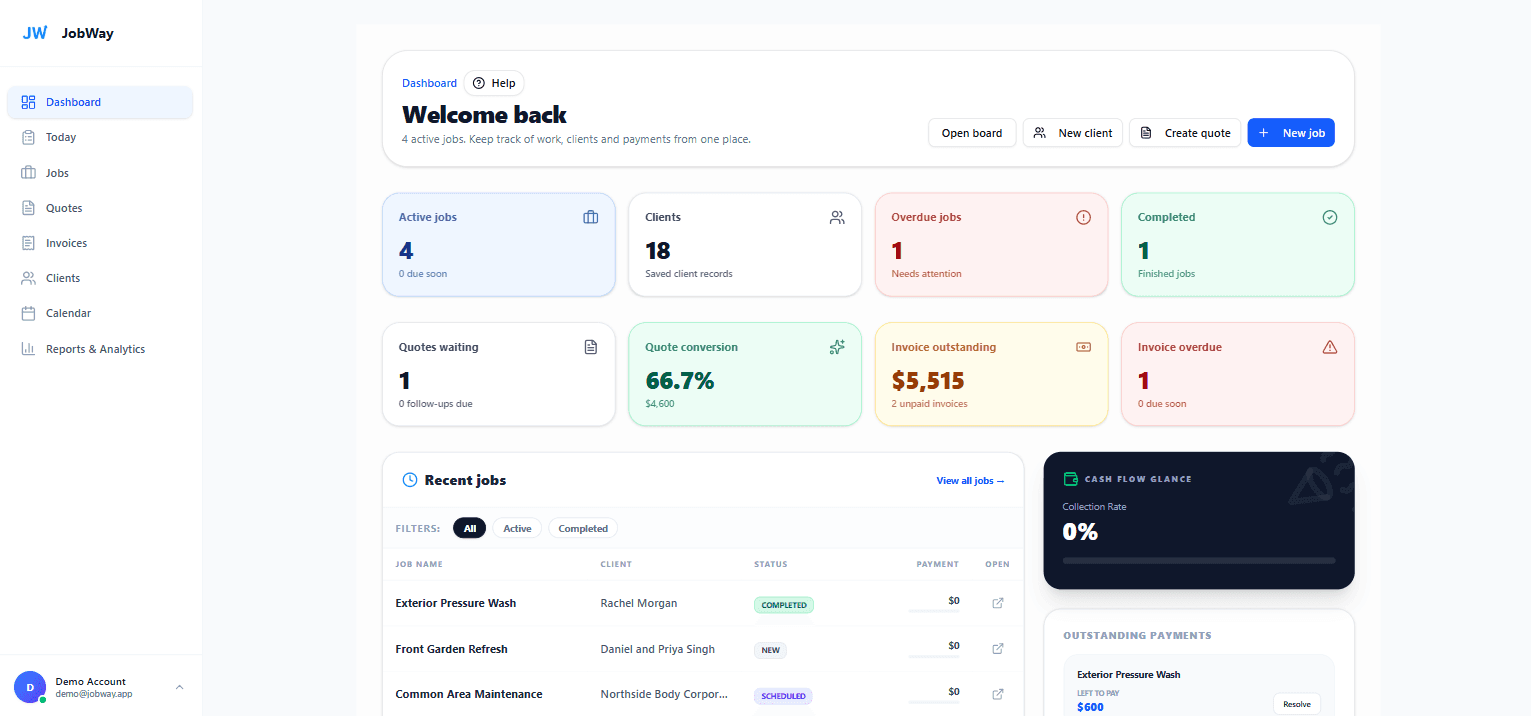
JobWay helps Australian tradies manage clients, quotes, jobs, invoices and payments without messy spreadsheets or bloated field-service software.
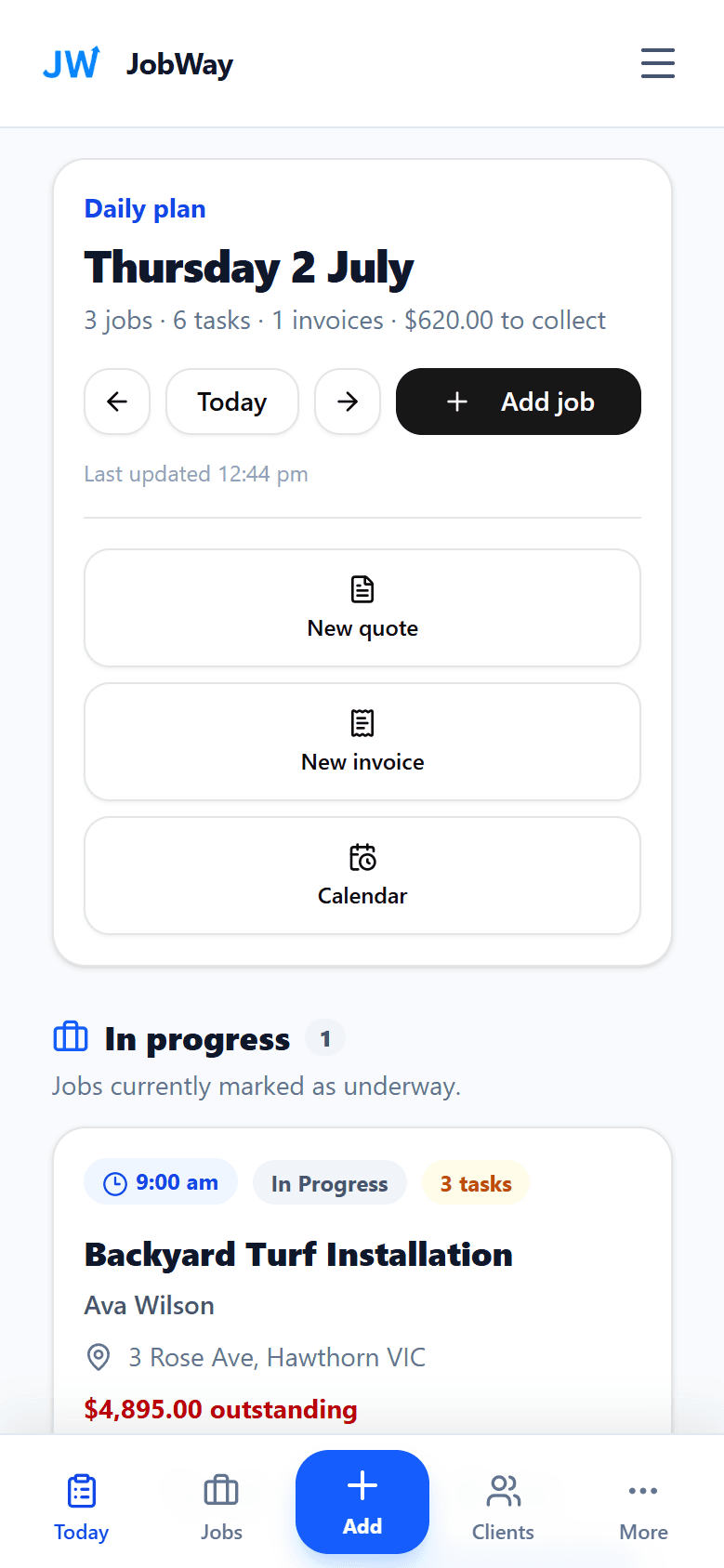
Built as a responsive web app, so it works from the phone on-site.
Made for small service businesses
JobWay is designed for solo operators and growing trade or service businesses that need a professional system without a long implementation or confusing overseas setup.
Built in Melbourne. Early users can get help setting up their first clients, quotes, jobs and invoices.
AUD pricing, Australian date formats and local business language.
Use the responsive web app from your phone, tablet or computer.
Keep business and client information organised and private.
Start with a no-card trial and cancel a paid plan anytime.
One connected workflow
JobWay keeps the customer-facing quote, today's work, invoices, payments and reports connected so small service businesses can run the job without admin chaos.
Quotes that help win the job
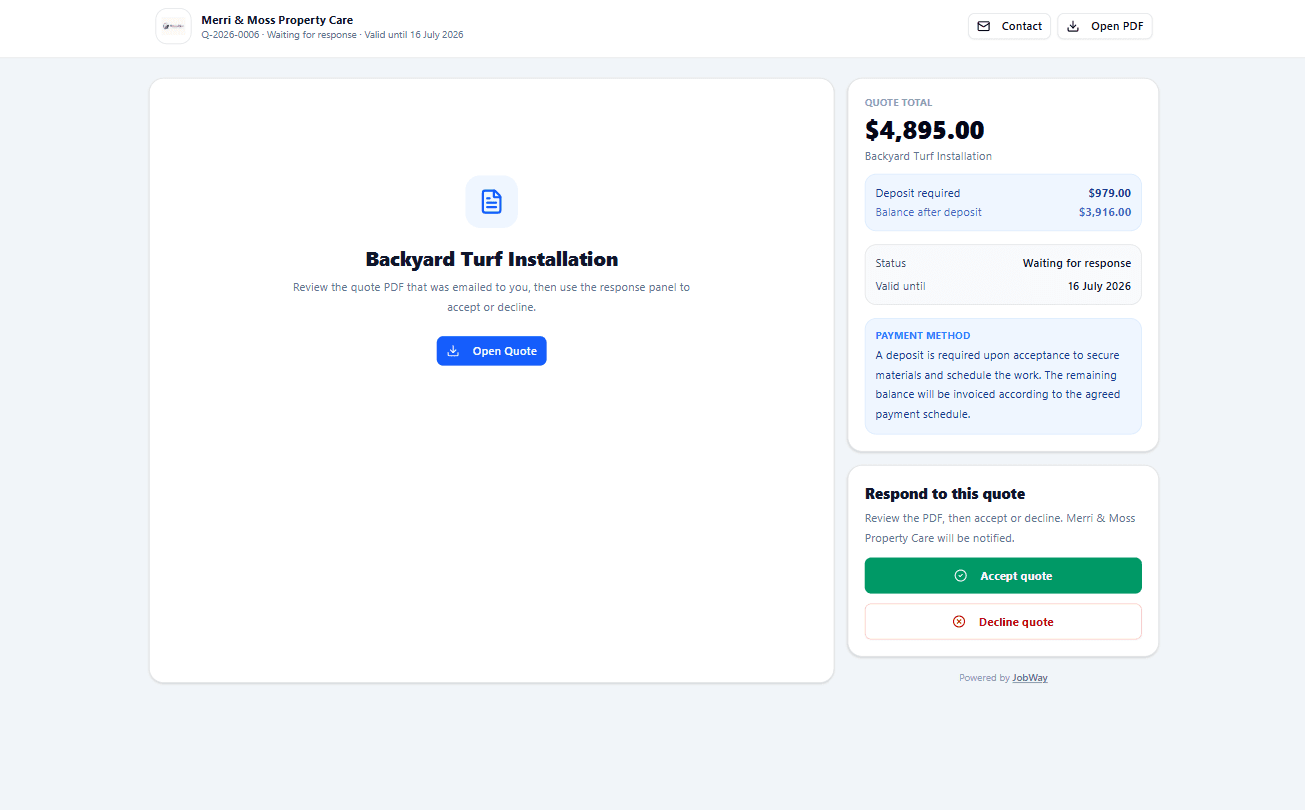
Create a quote with line items, deposit requirements, expiry dates and payment instructions, then send a public page where the client can accept or decline without creating an account.
Today's work on mobile
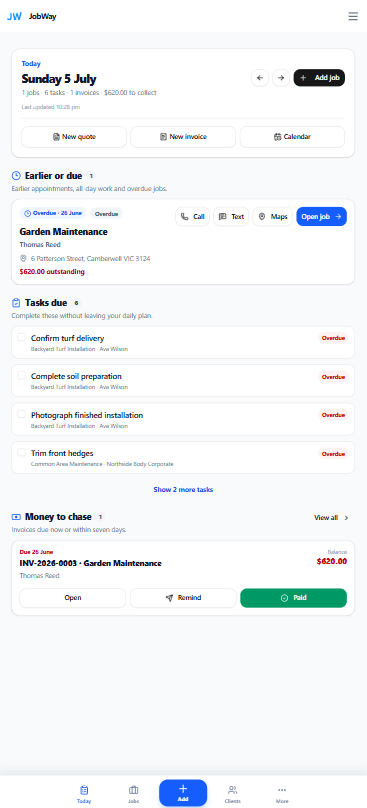
Today shows scheduled jobs, tasks, invoices needing attention and quick-create actions, so users can manage their day from the phone in their pocket.
See the next job and later work from your phone
Call, text, maps and job details stay close to the work
Tasks due today are visible without searching
Quick-create quote, invoice and calendar actions
Invoices and payments
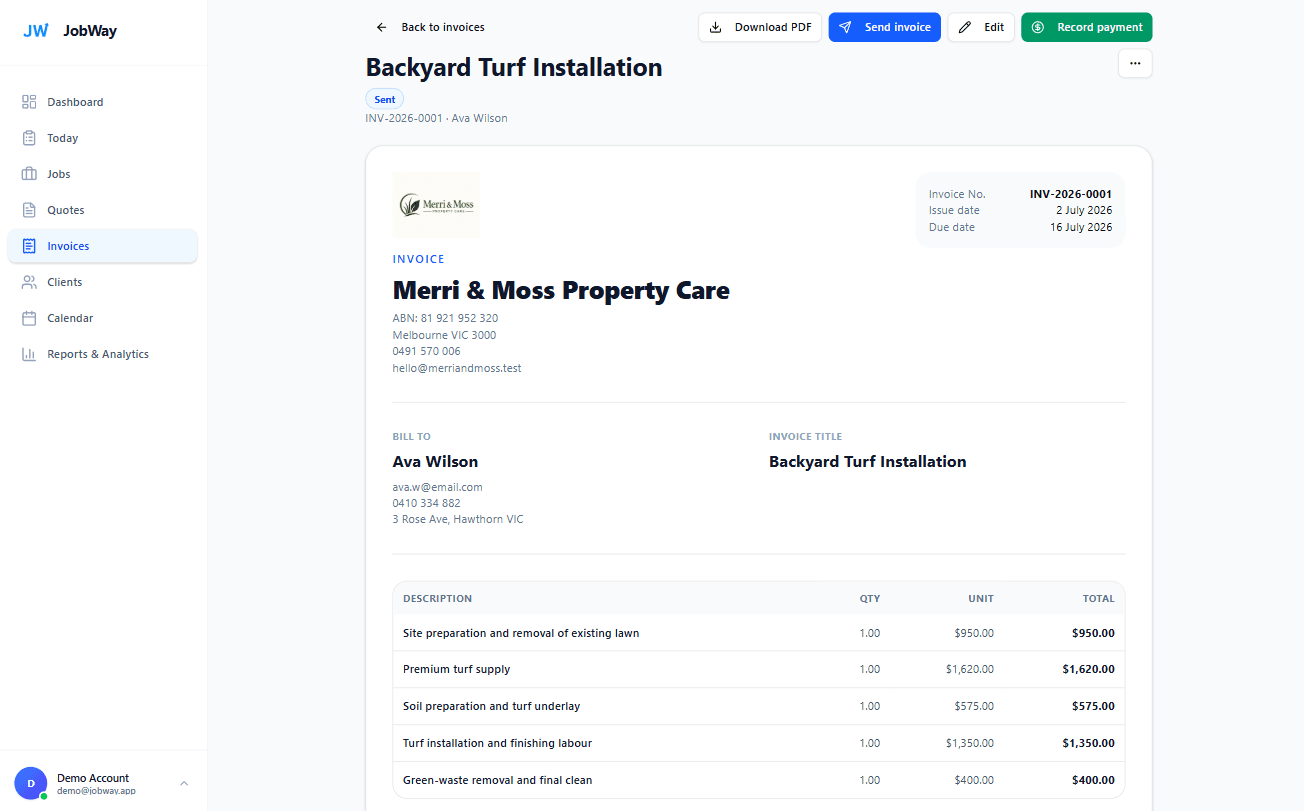
Track deposits, partial payments and balances on invoices, then keep the linked job financials accurate without manually recalculating totals.
Operations reports
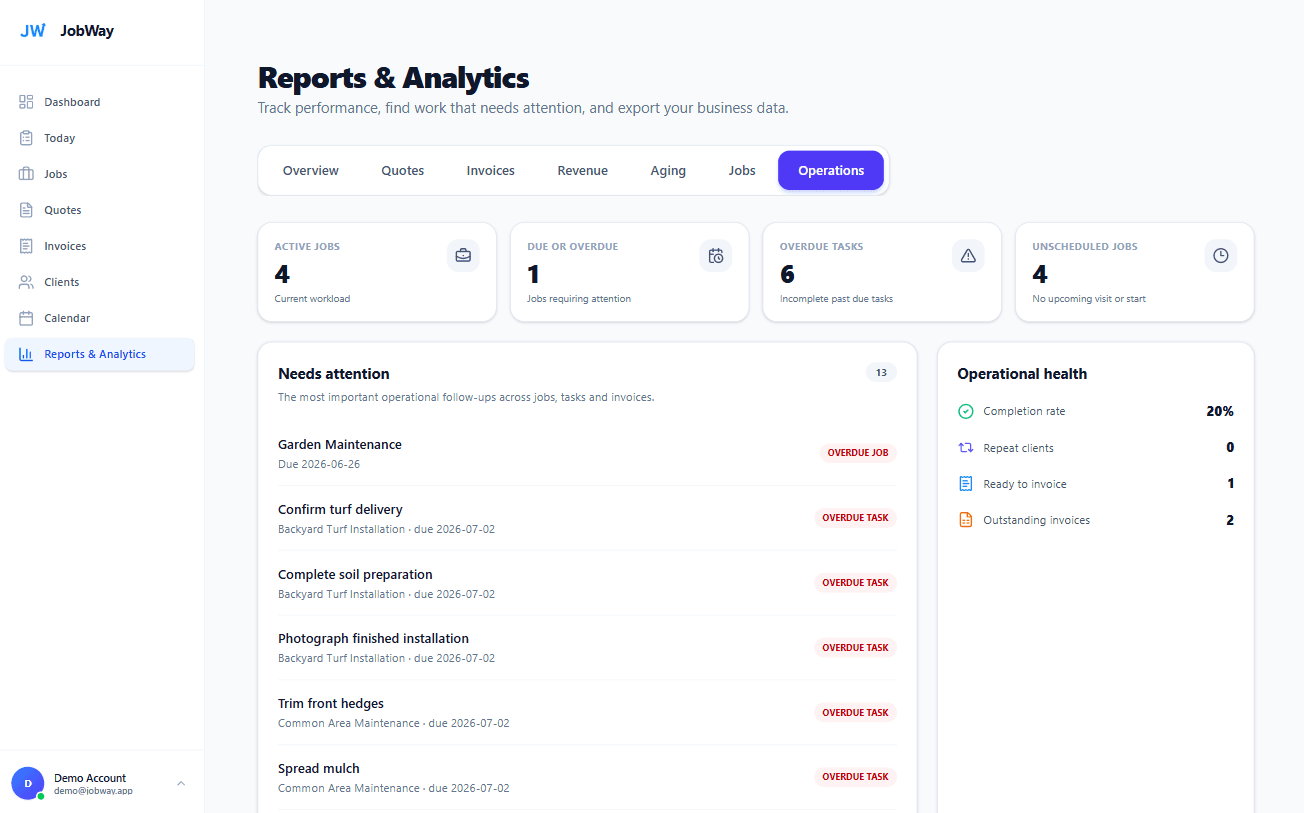
Operations reports help users see what is active, overdue, unscheduled or waiting for action, then export the records they need for business admin.

Xero integration · Premium
Connect JobWay to Xero so your operational workflow and accounting records stay aligned without entering the same invoice or payment twice.
What moves between JobWay and Xero
Reuse or create Xero contacts when an invoice is sent from JobWay.
Send JobWay invoices to Xero with your accounting and tax mappings.
Send JobWay-recorded payments to Xero and keep balances aligned.
Payments recorded in Xero flow back into JobWay automatically.
Built for a clean split of responsibilities
Use JobWay to manage the customer and the job. Use Xero for bookkeeping, reconciliation and accounting.
Start in minutes
No complicated setup project. Add your business details, create your first client, and start with the workflow you already use.
Start freeNo card required for the 28-day Premium trial.
Keep contact details, addresses, notes and history together.
Send a quote for approval or create confirmed work directly.
Use statuses, the board, calendar, tasks, visits and documents.
Bill deposits, progress or variations and see the remaining balance.
Everything connected
Track work through clear statuses and drag jobs between stages.
See jobs, visits, follow-ups, expiries, due dates and overdue work.
Professional PDFs, public client pages, online acceptance and deposits.
Create standard, deposit, progress and variation invoices.
Keep quote follow-ups and invoice payment reminders visible.
Understand quote performance, invoicing, collections and job activity.
Keep contacts, jobs, quotes, invoices, notes and payments linked.
Store the details your office and on-site workflow need.
Attach important files to clients and jobs instead of hunting for them.
Reuse saved line items and duplicate jobs, quotes and invoices.
Add your logo and shape statuses around the way your business works.
Send quote, invoice and reminder emails with replies returning to you.
Built to reduce admin
JobWay gives each client, quote, job and invoice a clear place, so the next action is visible instead of sitting in texts, notes or memory.
Know which quotes are waiting
See due-soon and overdue invoices
Open a job and see its real remaining balance
Priority today
INV-2048 is overdue
Ava Wilson · $1,468.50 owing
Quote follow-up due
Deck restoration · Q-1044
Quote accepted
Convert it to a job when ready
Simple pricing
Every new account starts with 28 days of Premium access. No card is required, and your data stays in your account if you choose Basic later.
For solo tradies who need the complete core workflow at lower monthly volume.
Jobs, clients, professional documents and payment tracking.
Start free, choose Basic laterNo card required to begin the trial.
For active businesses that want unlimited documents, stronger financial control and Xero integration.
28-day Premium trial included
Start Premium freeNo card required to begin the trial.
Premium trial limited to one per user. All prices are in AUD. Basic monthly document limits reset each calendar month. Xero integration is available on Premium.
Clear answers about the trial, client experience, invoicing and plan limits.
Ask another question →No. New accounts receive a 28-day Premium trial without entering card details.
Yes. Clients can open a secure public quote page, review the quote and accept or decline it without creating an account.
Yes on Premium. You can create deposit, progress and variation invoices instead of always billing the full remaining job value.
For linked invoices, the payment is reflected in the job financials so the paid amount and remaining job balance stay aligned.
Basic includes the core job workflow, up to 25 new jobs per calendar month, unlimited client records, five new quotes and five new invoices per calendar month. Premium unlocks unlimited jobs and documents, progress invoicing, variations, templates, advanced reports and additional productivity features.
Yes on Premium. JobWay can send linked customers, invoices and payments to Xero, while relevant payment updates made in Xero are brought back into JobWay automatically.
Yes. JobWay is a responsive web app that works on phones, tablets and computers. The Today view and job details are designed to be useful while you are on site.
No. Public quote and invoice pages can be opened directly from the link you send them.
Yes. You can upgrade, downgrade or cancel from your billing settings. Existing records remain available subject to the access rules shown in the app.
Ready to get organised?
Set up your business, add a client and test the full Premium workflow for 28 days. No card required.
Start your free trial